
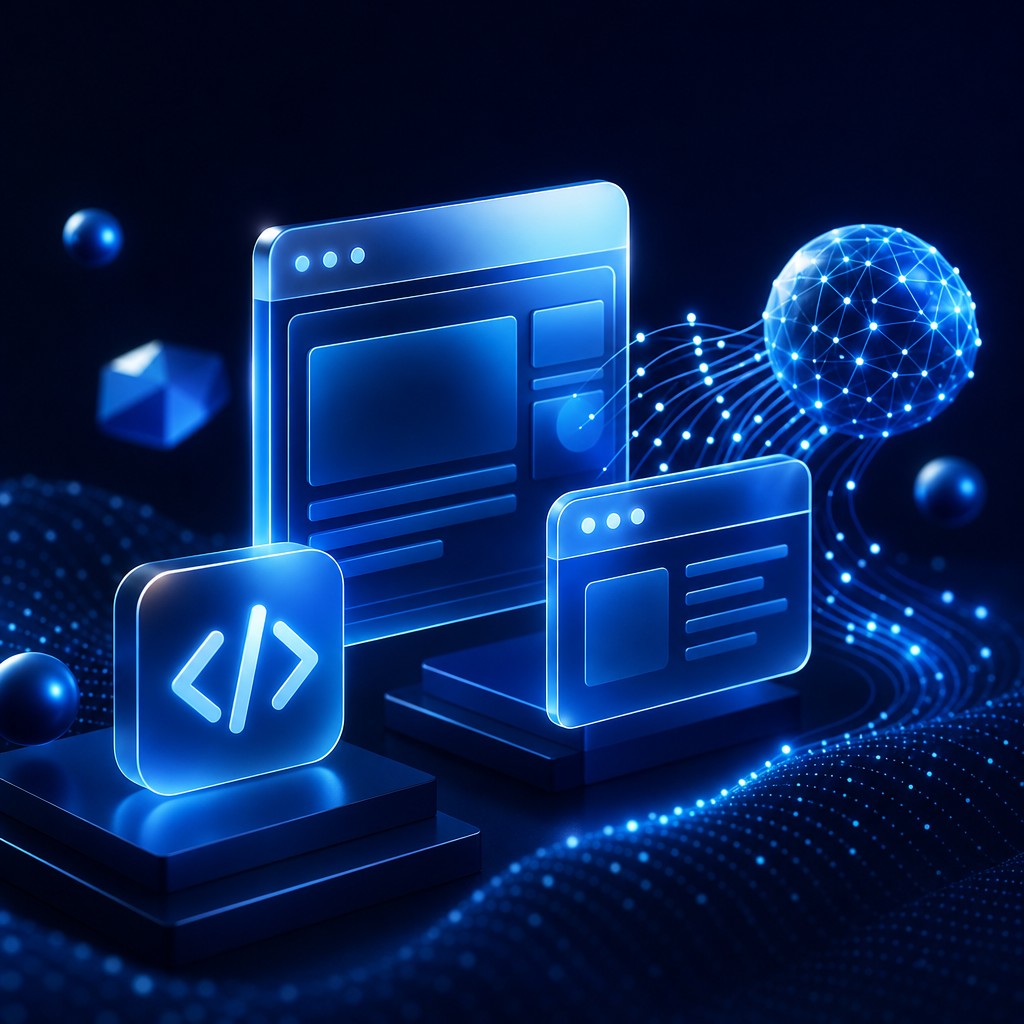
Understanding What "Best AI for Web Development" Really Means
The phrase "best AI for web development" sounds simple, but the honest answer is that it depends on what you are trying to build and how you work. Some developers want an AI that autocompletes code line by line, while others want a tool that can scaffold an entire application, generate UI components, or debug complex logic. The market has matured rapidly, and today there is no single winner that fits every team. Instead, there are clear leaders for specific use cases, and understanding those distinctions is the key to choosing wisely.
At a high level, AI web development tools fall into a few categories: in-editor coding assistants, full-stack generation platforms, design-to-code tools, and conversational agents that can reason across an entire codebase. The right pick balances code quality, framework support, speed, and how well the tool integrates into your existing development environment.
How AAMAX.CO Helps You Build Smarter With AI
If you want expert guidance rather than trial and error, AAMAX.CO is a full-service digital marketing company that helps businesses worldwide adopt AI the right way. Their team pairs modern AI tooling with proven engineering practices so that the technology accelerates delivery without sacrificing quality. Whether a client needs a marketing site, a complex web application, or a performance-focused rebuild, they bring the strategy and hands-on expertise to make AI a genuine advantage. For organizations that want a partner to handle website development end to end, they combine AI efficiency with human oversight to ship reliable, maintainable products.
The Leading AI Tools for Web Developers
Several tools consistently rank near the top for web work. In-editor assistants like GitHub Copilot remain popular for their tight integration and strong autocomplete across mainstream languages and frameworks. They shine when you already know what you want to build and need to type it faster. Conversational coding models such as Claude and GPT-class systems excel at reasoning through architecture, refactoring large files, and explaining unfamiliar code.
For teams that want to go from idea to working interface quickly, generative platforms like v0 can produce production-grade React and Next.js components from natural language prompts. These tools are particularly powerful for front-end work, design systems, and rapid prototyping. Meanwhile, full-stack agents that can read and edit an entire repository are closing the gap between "suggesting code" and "shipping features."
Key Factors When Comparing AI Coding Tools
When evaluating options, weigh these factors carefully:
Framework and language support: The best AI for a Next.js project may differ from the best for a Laravel or Django stack. Choose a tool trained heavily on your ecosystem.
Context awareness: Tools that understand your whole project produce far better results than those that only see the current file. Repository-level context dramatically reduces hallucinated imports and mismatched patterns.
Code quality and security: Speed is meaningless if the output introduces vulnerabilities. Favor tools that follow modern best practices and let you review changes before applying them.
Workflow integration: An AI that lives inside your editor or deployment pipeline removes friction. The less context-switching required, the more value you extract daily.
Matching the Tool to Your Goal
If your priority is raw coding speed inside an editor, an autocomplete-first assistant is likely the best fit. If you are designing interfaces and want polished components fast, a design-to-code generator will save the most time. If you are reasoning about architecture, migrating legacy systems, or fixing tricky bugs, a powerful conversational model is the strongest choice. Many high-performing teams use a combination: a generator for the first draft, an in-editor assistant for refinement, and a reasoning model for review and debugging.
It is also worth considering how AI fits into the broader business goal. A beautiful application still needs visibility, which is why pairing development with search engine optimization ensures the finished product actually reaches users. The best technical decision is the one that supports both the build and the long-term growth of the site.
Avoiding Common Pitfalls
The biggest mistake teams make is treating AI output as final. AI accelerates work, but human review remains essential for security, accessibility, and maintainability. Another pitfall is tool sprawl, where teams adopt too many overlapping assistants and lose consistency. Standardize on a small, complementary set of tools, document how they are used, and keep a human in the loop for critical decisions.
Final Verdict
There is no universal "best" AI for web development, but there is a best fit for your context. For most modern front-end work, design-to-code generators paired with a strong reasoning model deliver the best blend of speed and quality. For large codebases, repository-aware assistants win. The smartest approach is to define your priorities first, then choose tools that align with them, and lean on experienced partners when the stakes are high. With the right combination of AI tooling and expert oversight, web development becomes dramatically faster without compromising on craftsmanship.
Want your brand featured in front of decision-makers? Publish a guest post or get a link insertion in our guides through AAMAX's guest post and link insertion service.
Helpful Links
 SponsoredAAMAX — Full-Service Digital Agency
Write for Us
Share your expertise with our readers. We welcome guest contributions from industry specialists.
Pitch your idea